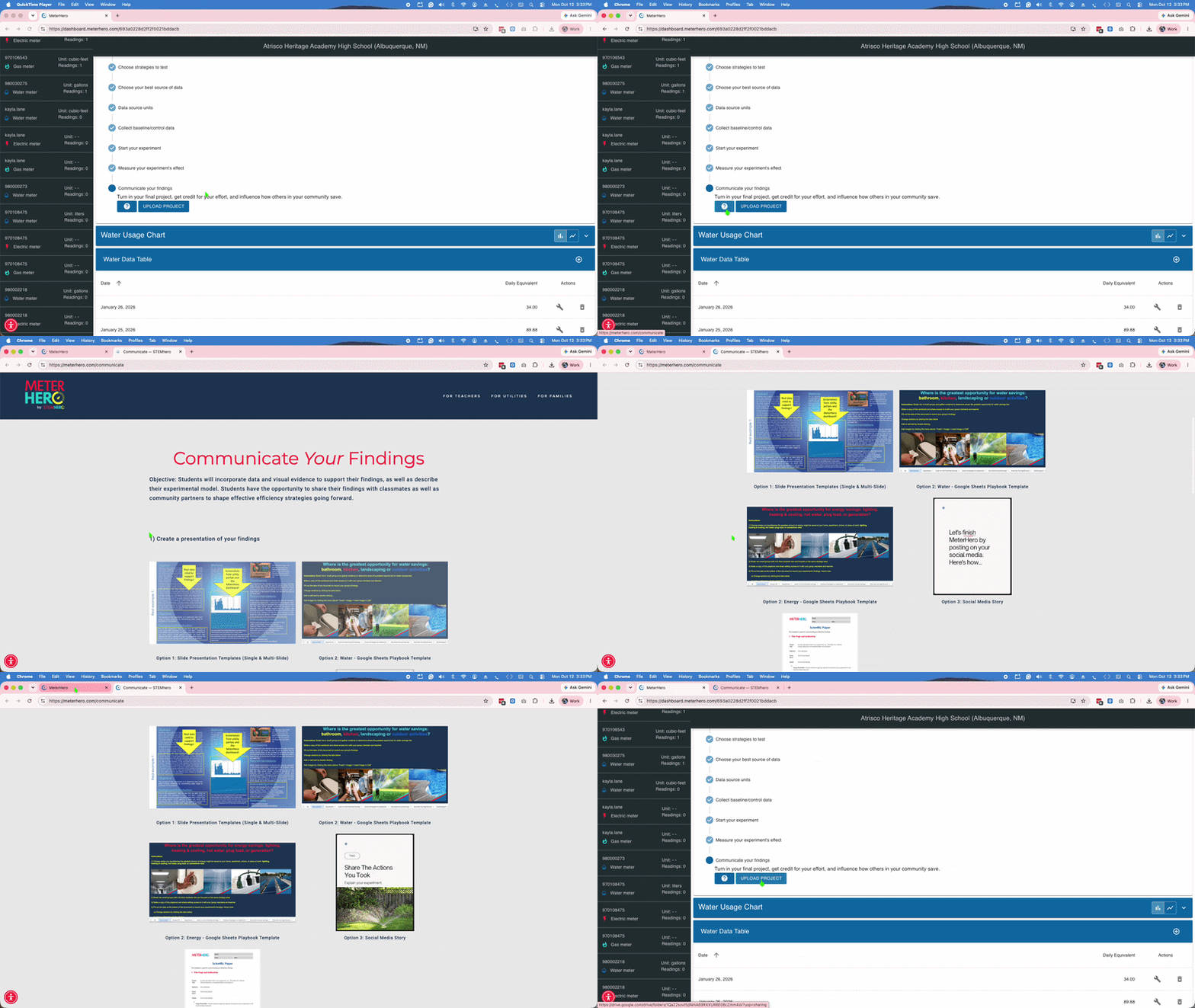
MeterHero Tour:
Top 5 Things you need to do
1) Log in with the link from your teacher, and Choose the Meter You want to Track
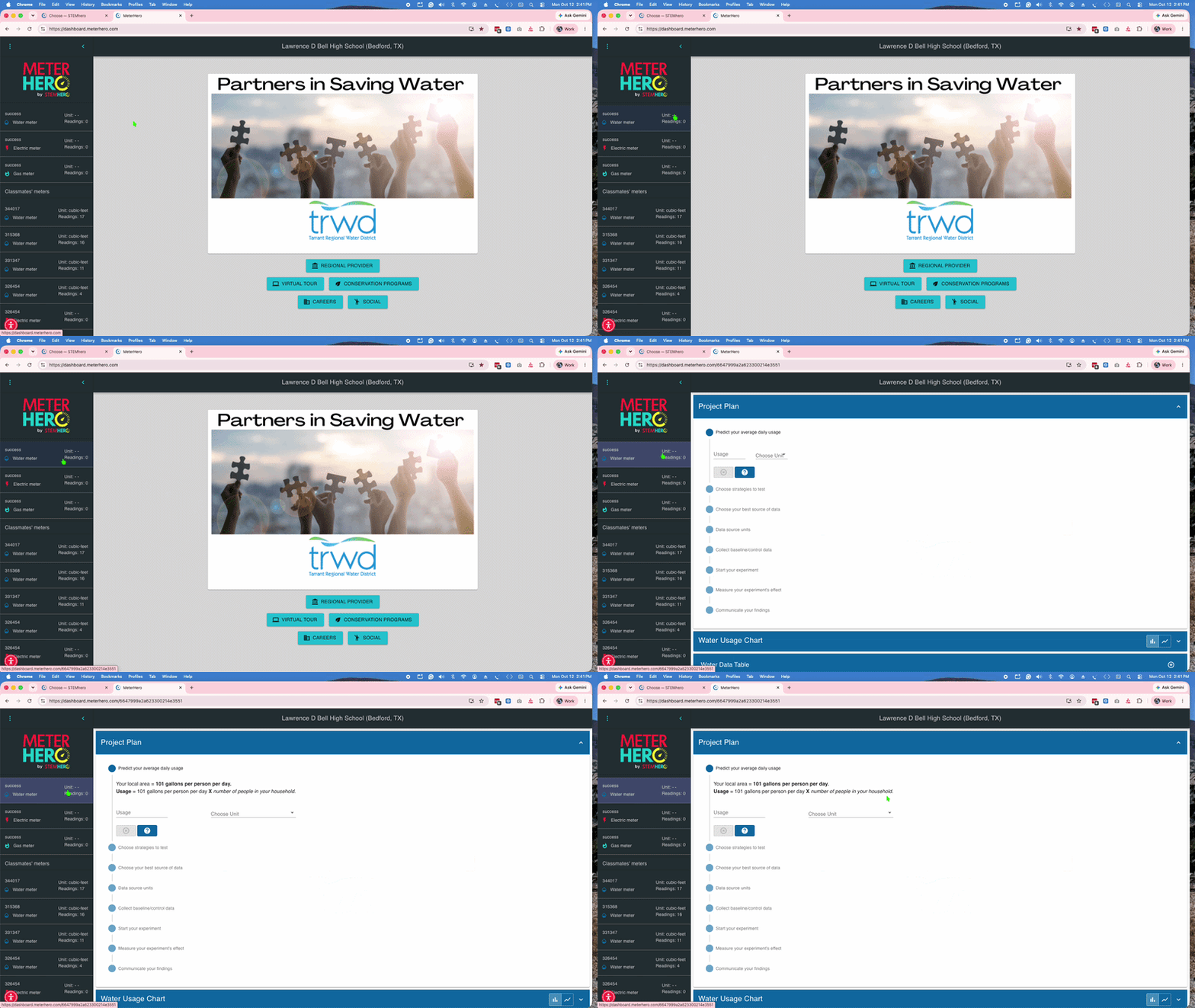
2) Complete the steps of the project plan
Click the “✔” to save and the “?” button for detailed instructions.
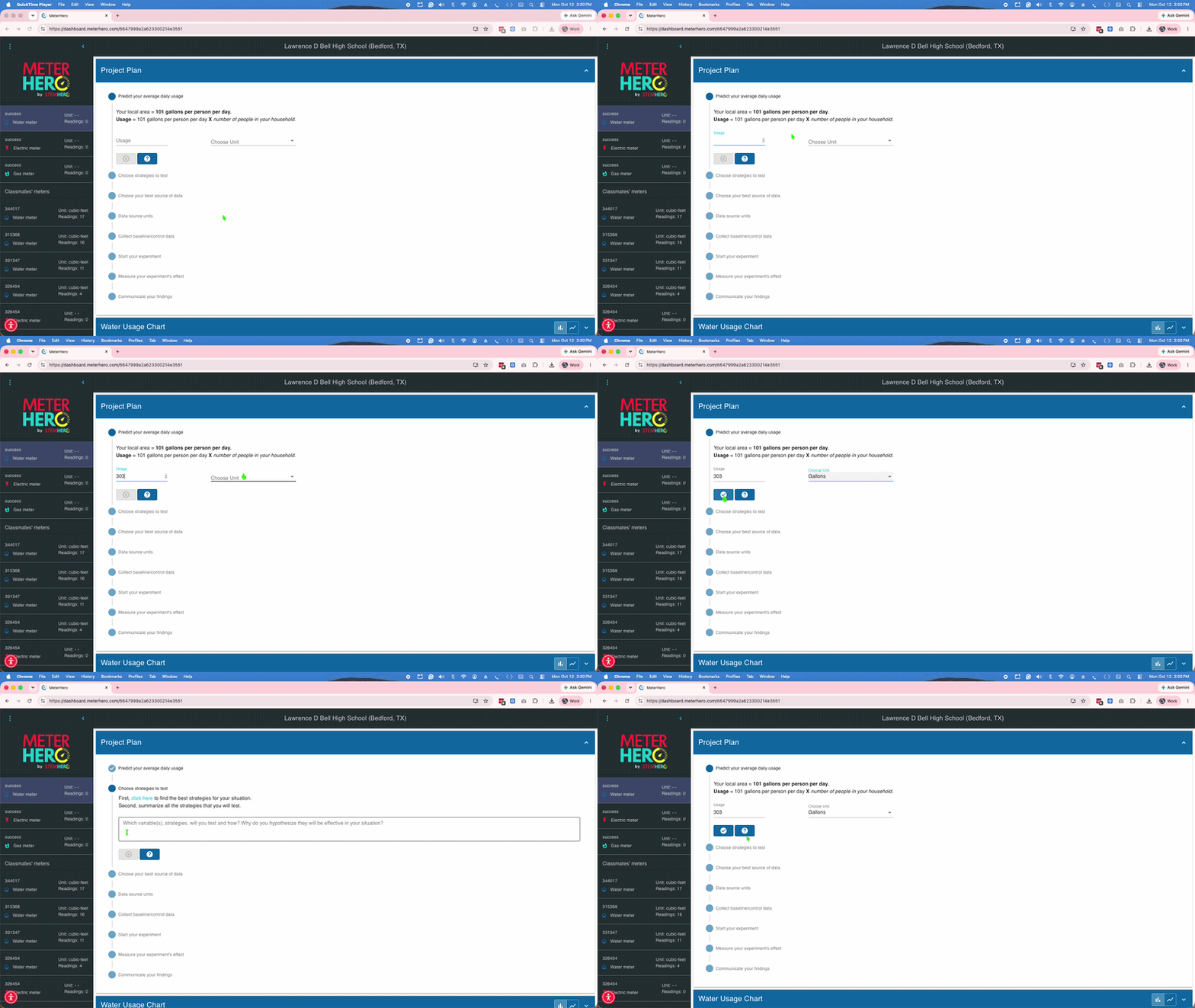
3) Add readings into your data table
Your chart will update automatically.
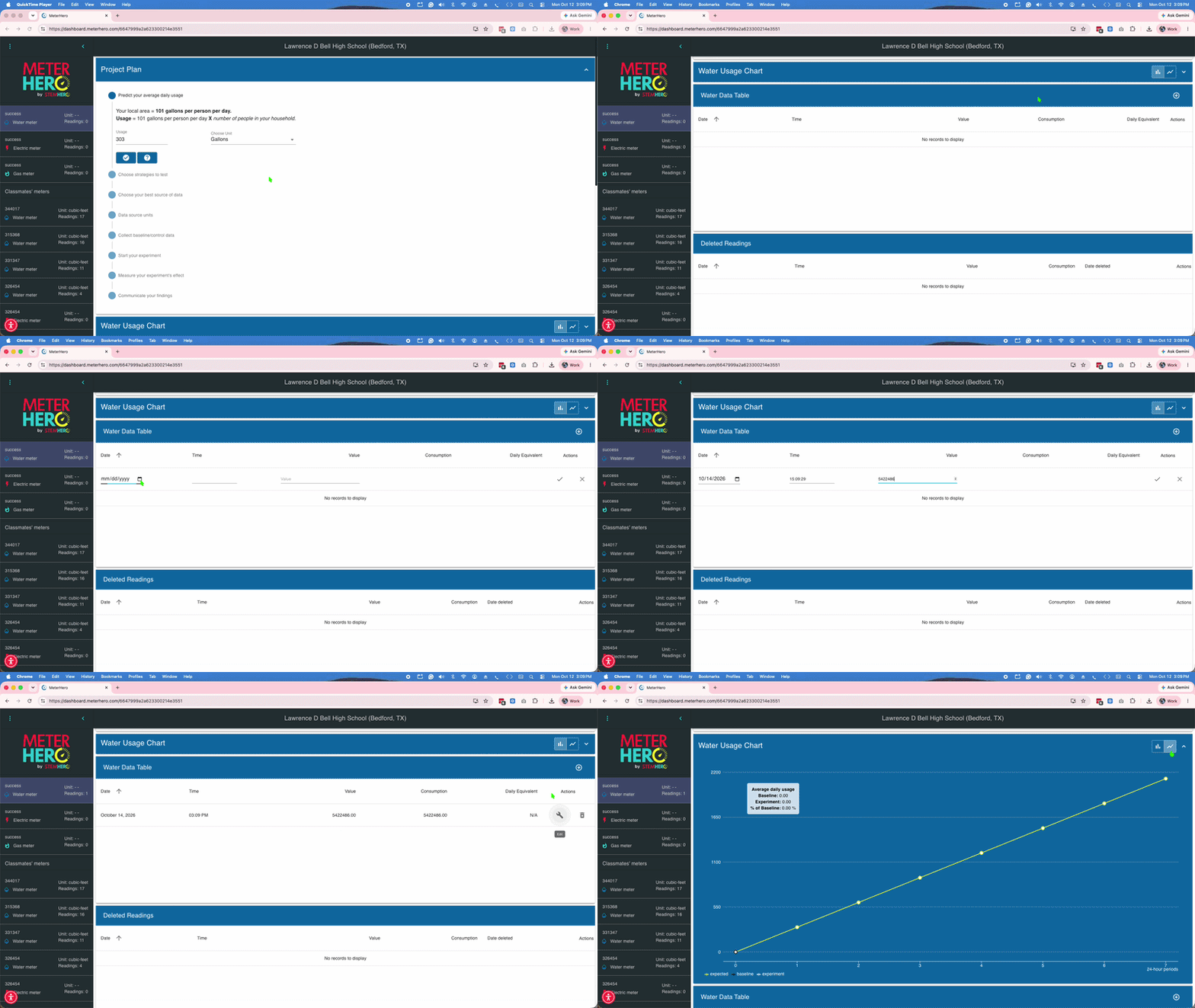
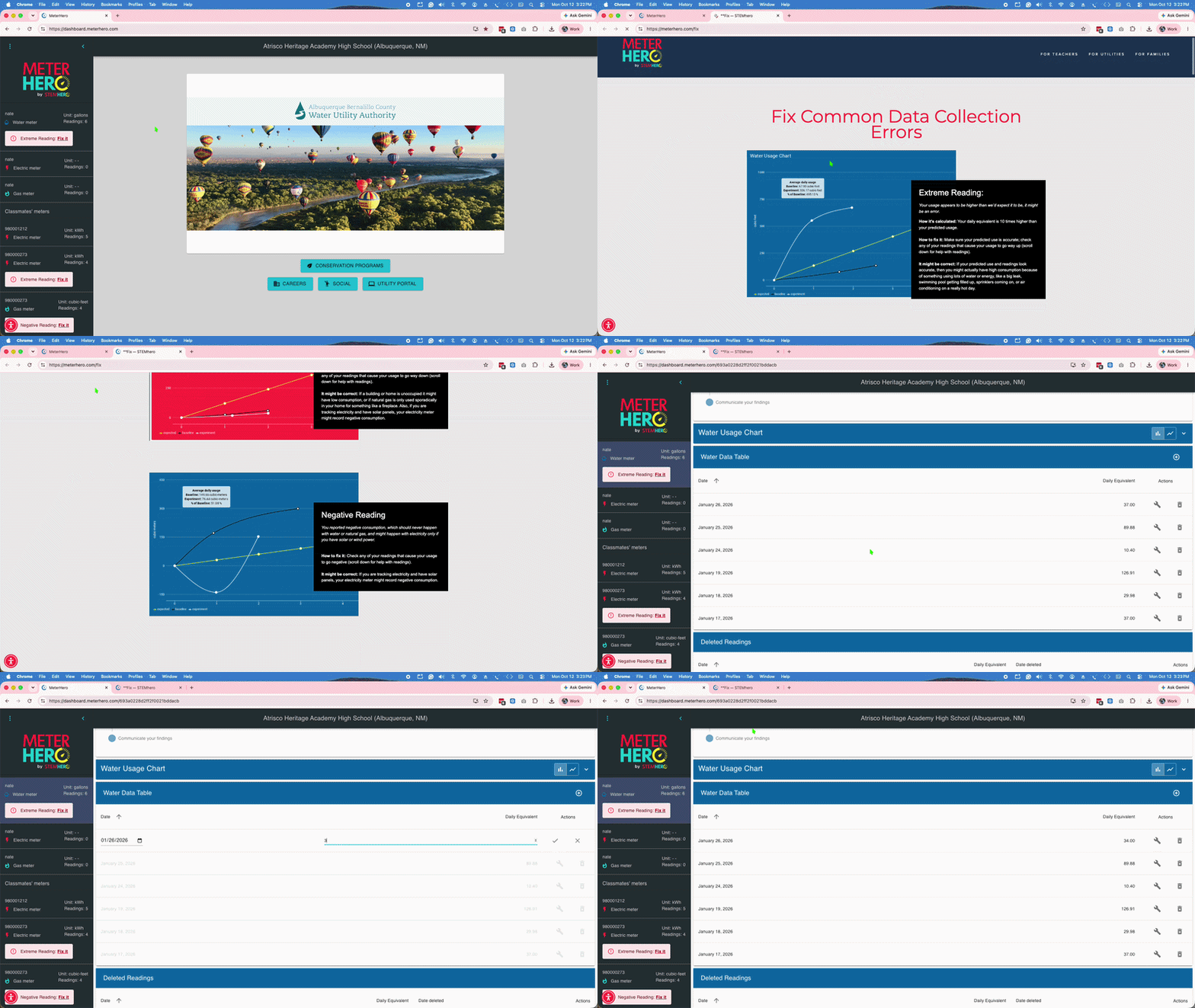
4) Fix any issues with your data
Click on the “?” for additional help, or have your teacher email us a photo of your meter if you get stuck.
5) Turn in your final reports to your teacher
You’ll get credit for your work, and your local utility partner will learn from your experiment.