Measure Your Strategy’s Effect
Objective: Enter readings to measure the effect of the efficiency strategy that you implemented.
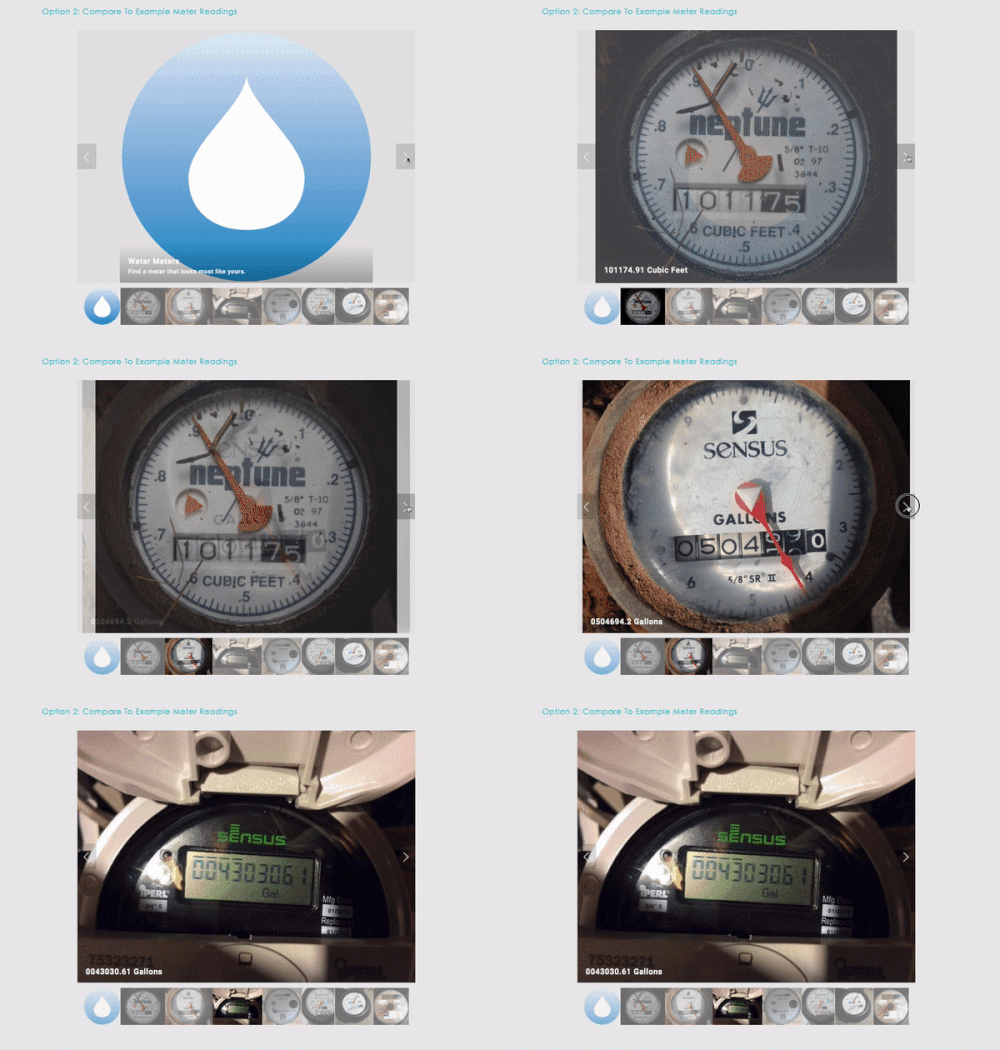
Collect at least 3 more reading after your start your experiment by implementing your one or more efficiency strategies. Enter your readings into your Data Table at the bottom of your MeterHero Dashboard:

As you enter your readings, an experiment line will grow on your chart.

You might make a mistake when you enter readings. That’s no problem! You’ll see an error message on your meter. Just go to meterhero.com/fix to see common mistakes and how to fix them.
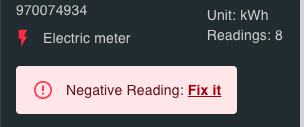
Example error message
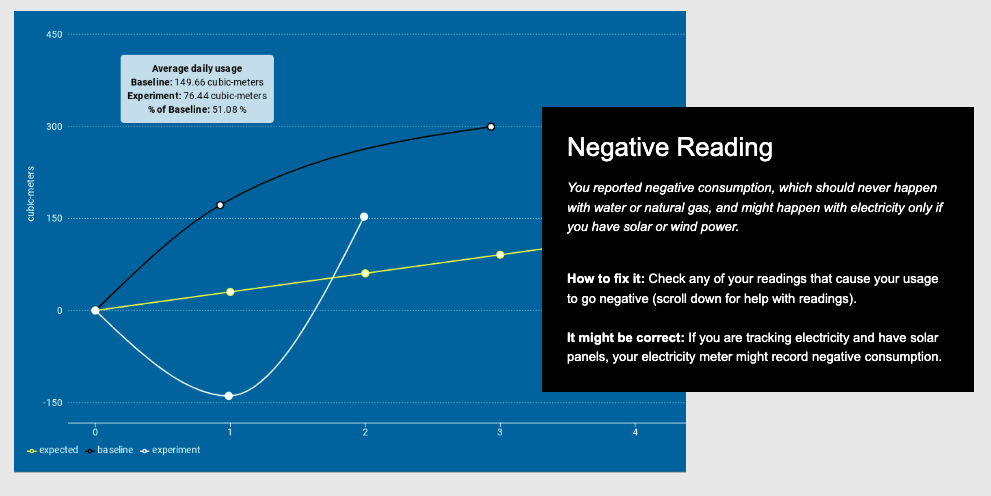
Get help fixing common data errors at MeterHero.com/fix
Support Resources: